 CommentCrate
How CommentCrate works
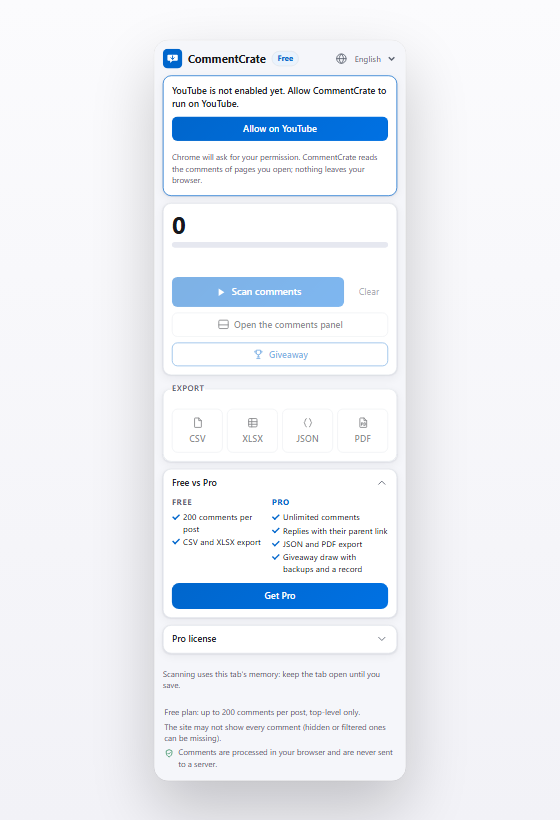
Install the extension, open a post or video, scan the comments and save a file or draw winners. Everything runs in your browser on your computer.
1. Install and pin
Add CommentCrate from the Chrome Web Store to Chrome or another Chromium browser (version 137 or newer) on Windows, macOS or Linux. Click the puzzle icon in the toolbar and pin CommentCrate so its icon is always one click away. The extension works on desktop computers, not on phones or tablets.
2. Open the post or video
Open an Instagram post or reel, a YouTube video or a TikTok video in a tab and make sure its comments are visible. On YouTube and TikTok, click the CommentCrate icon and press Allow on this site once: Chrome asks for your permission, and you can withdraw it at any time. Instagram needs no extra step.
3. Scan the comments
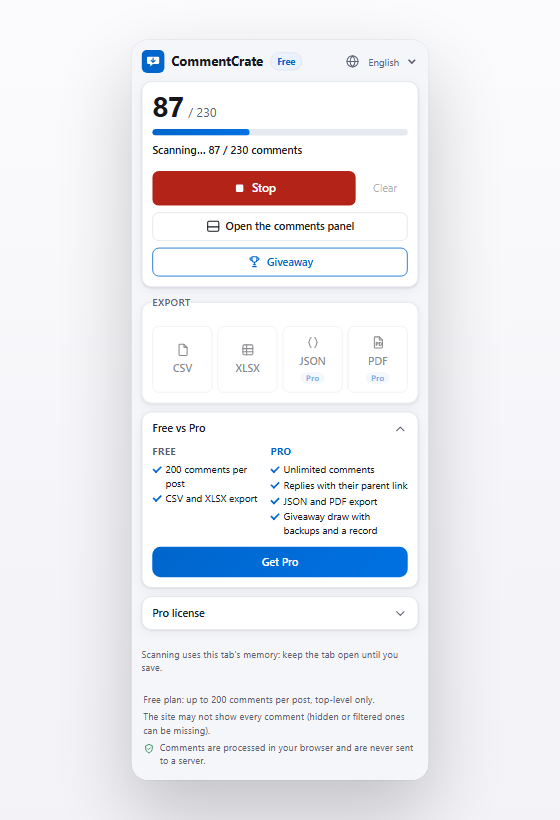
Press Scan comments. The extension scrolls and expands the comment section the way you would and shows the count as it goes. Keep the tab open and in front until it says it is done. Scanning runs in the memory of that tab and nothing is uploaded.
4. Browse and filter in the panel
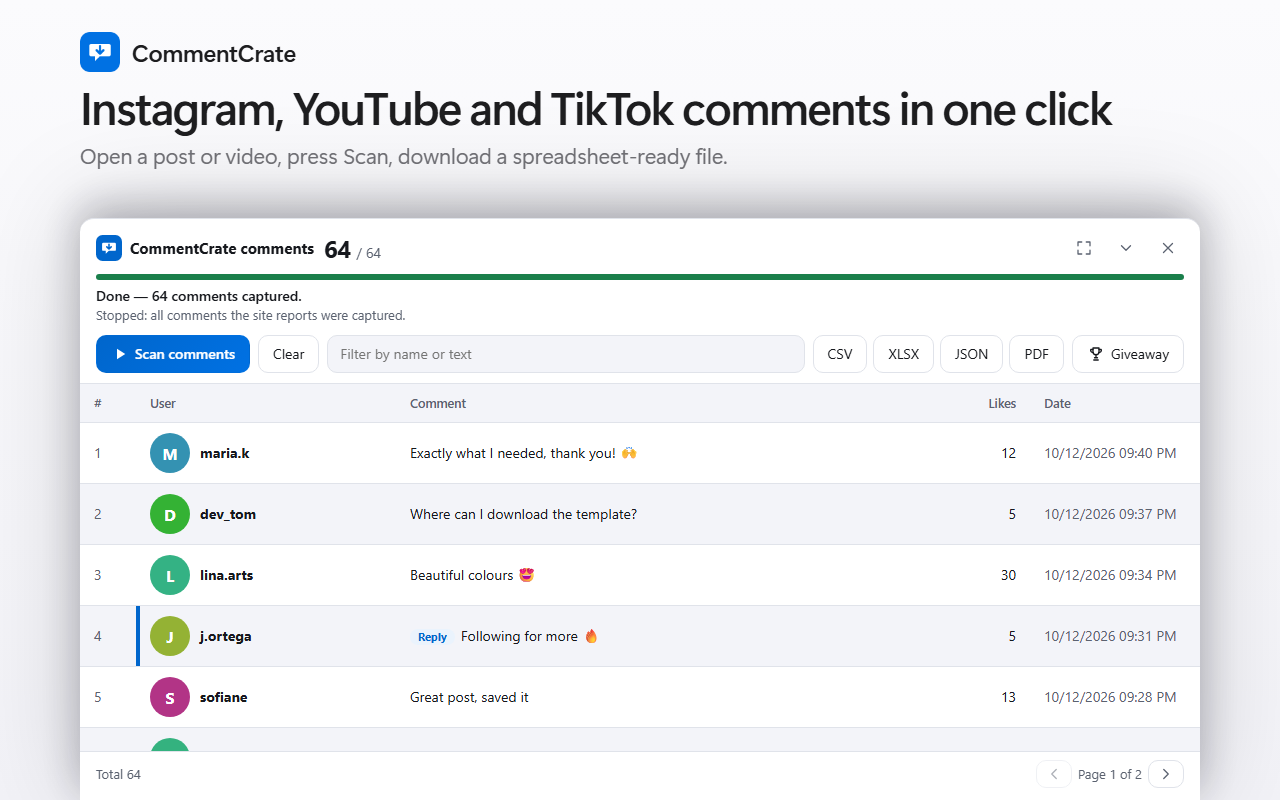
Press Open the comments panel to see every captured comment in a table under the page: names, profile pictures, text, likes and dates. Filter by name or text and move between pages before you export.
5. Export a file
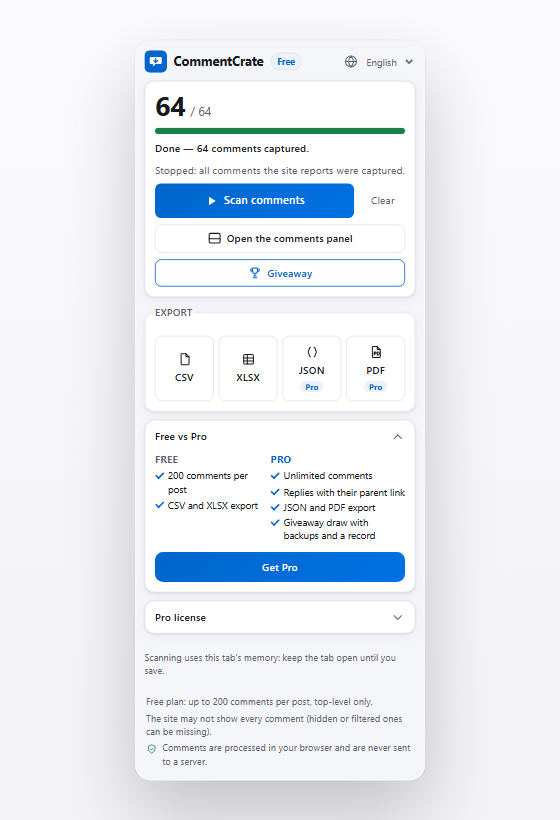
Press CSV or XLSX and the file is saved on your computer. It opens in Excel, Google Sheets or Numbers, one row per comment. Pro adds JSON and PDF. The columns are described in the export guide.
6. Draw giveaway winners
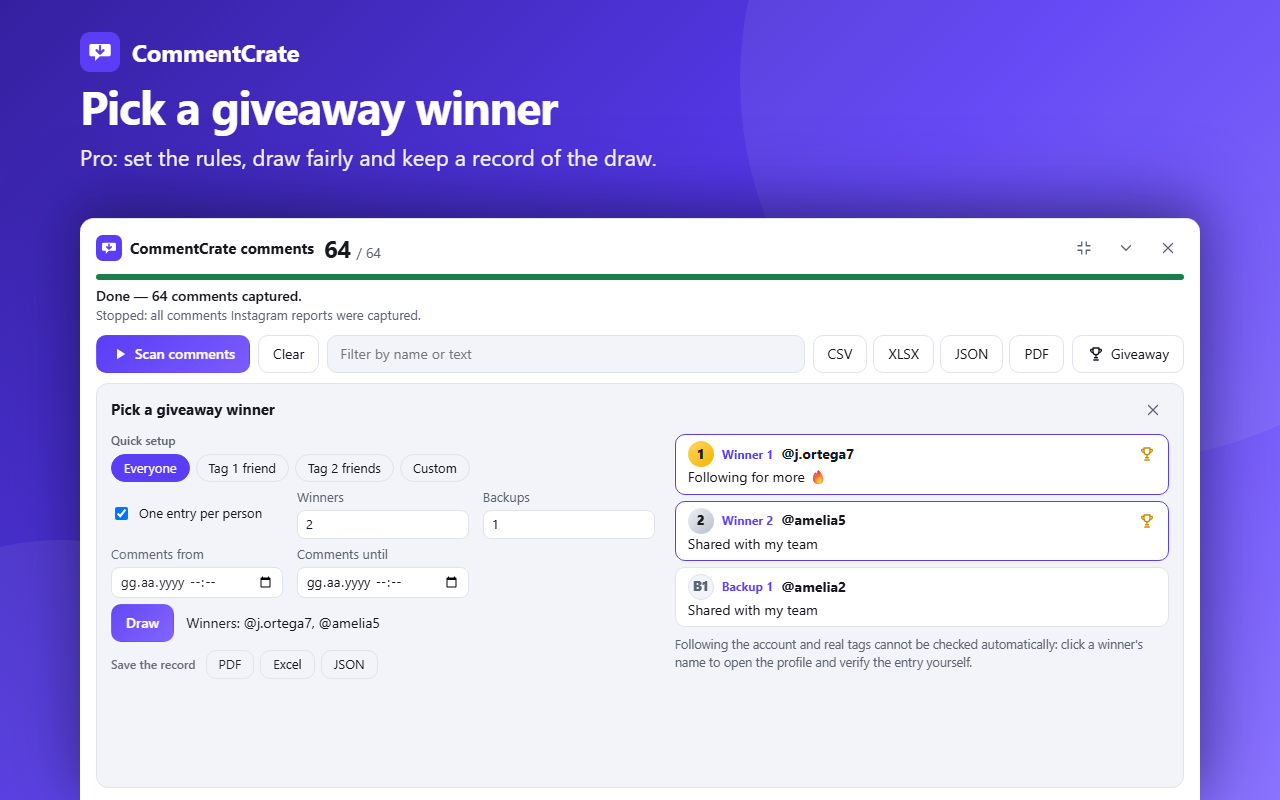
Open the Giveaway tool, choose the rules you announced and press Draw. The winners are picked at random on your computer. On the Free plan you can try a draw with one winner; Pro adds several winners, backups, date ranges and a saved record as PDF, Excel or JSON. See the giveaway picker and the fair giveaway checklist.
Good to know
- Each platform decides what it shows. Hidden, filtered or removed comments can be missing, and the count the platform shows can differ from what can be read.
- Very large posts take several minutes and use more memory. Pro has no comment limit, but a scan stops after 25 minutes or when nothing new loads; the popup says why, and you keep what was captured.
- YouTube shows only relative times (“2 weeks ago”): they are exported as text, and giveaway date ranges do not apply to YouTube comments.
- TikTok may show a puzzle (CAPTCHA); solve it yourself.
- When a platform changes its pages, scanning can stop working until the extension is updated. The popup tells you when a page looks different and lets you report it.
- You are responsible for following each platform’s rules and the law that applies to your giveaway.
Free and Pro
The free plan exports up to 200 top-level comments per post to CSV or XLSX and lets you try a giveaway draw. Pro removes the comment limit, adds replies, JSON and PDF export, several winners and backups, and the saved record of a draw. See pricing.