 CommentCrate
How to export Facebook comments to CSV or Excel
Allow CommentCrate on Facebook once, scan the post, and save its comments and replies as a spreadsheet.
1. Allow it on Facebook (once)
Facebook support is optional. Open a Facebook post in your browser, click the CommentCrate icon and press Allow on this site. Chrome asks for your permission, and you can take it back at any time.
2. Scan the post
- Open the post itself, not the feed. Posts, videos, reels and photos work. If you only have a short
/share/link, open it first and scan the page it leads to. - If Facebook offers a sort menu above the comments, choose All comments, so that none are hidden.
- Click the CommentCrate icon and press Scan comments. The extension presses “View more comments” and “View replies” for you and reads what appears.
- Press CSV or XLSX. JSON and PDF are part of Pro.
The scan runs in the memory of that tab, so keep it open until the file is saved.
What the file contains
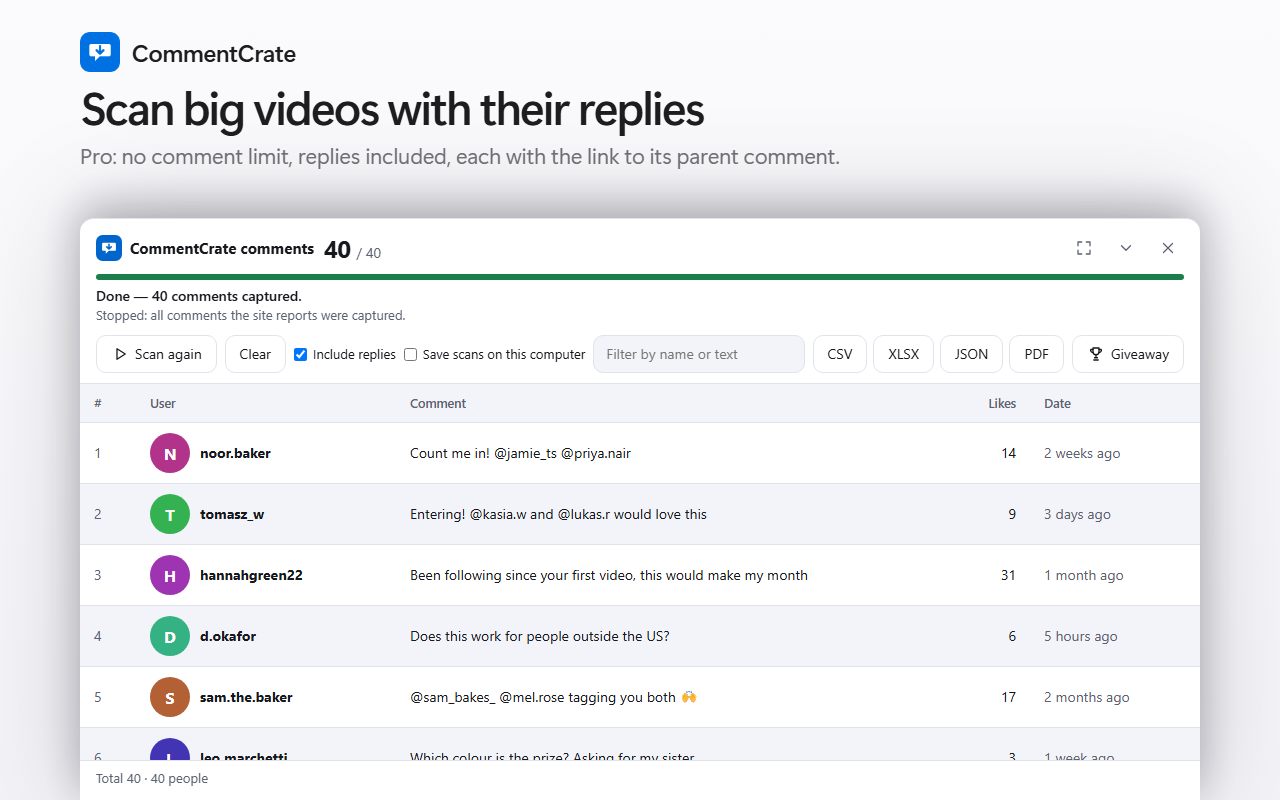
One row per comment: id, the id of the comment it answers (for replies), the name, the text, likes, the time as Facebook prints it (for example “2w”), the post address and a hidden flag. Facebook names are not unique, so the file also keeps the profile address when Facebook shows one. This works in any Facebook language, because the extension does not read the words on the page.
Limits to know
- Facebook decides how many comments it hands to a page. On a public post we opened without logging in, it stopped after about 110 comments even though the post showed more. What you can read can be lower than the number Facebook prints.
- Facebook shows only relative times, so a giveaway date range cannot be applied to these comments.
- Replies are part of Pro; the free plan exports up to 200 top-level comments.
- Facebook limits automated collection in its own terms. You use CommentCrate at your own risk, and a scan that goes on for hours can make Facebook ask you to log in again.
- If Facebook changes its page, scanning can stop working until the extension is updated. Groups and private posts have not been tested yet.