 CommentCrate
How to export Bluesky replies to CSV or Excel
Allow CommentCrate on Bluesky once, scan the post, and save its replies as a spreadsheet.
1. Allow it on Bluesky (once)
Bluesky support is optional. Open a post on bsky.app, click the CommentCrate icon and press Allow on this site. Chrome asks for your permission, and you can take it back at any time.
2. Scan the post
- Open the post itself (the address looks like
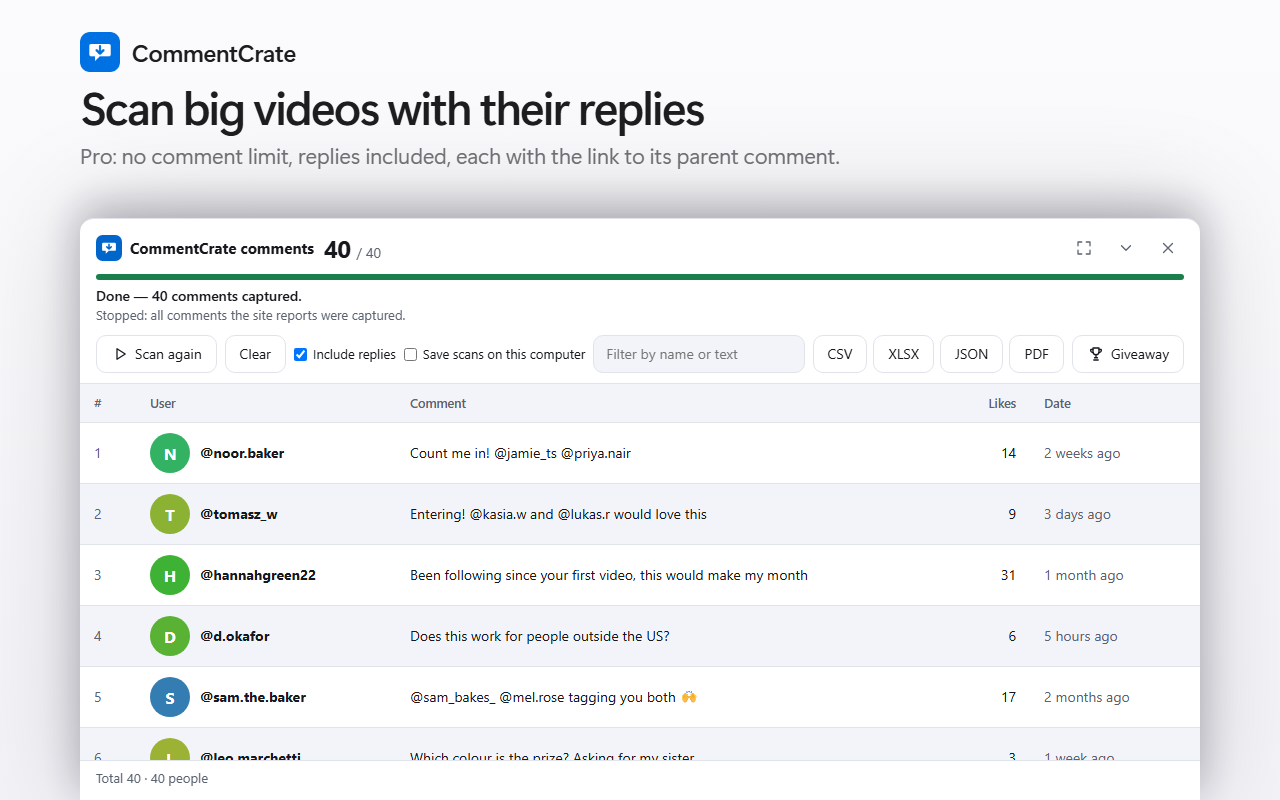
bsky.app/profile/name/post/…) and keep the tab in front. - Click the CommentCrate icon and press Scan comments. The extension scrolls the thread and presses “Show more replies” for you.
- Press CSV or XLSX. JSON and PDF are part of Pro.
What the file contains
One row per reply: id, handle (saved as @name.bsky.social), the text, likes, the time as Bluesky prints it (for example “2mo”) and the post address. Every reply counts as a comment on the post, including replies to replies, because the page does not say which reply answers which. In the giveaway tool a handle is unique, so one entry per person works as you would expect.
Limits to know
- Bluesky shows a visitor fewer replies than the number it prints. On a post with several hundred replies we read about 190.
- Only relative times are available, so a giveaway date range cannot be applied.
- The free plan exports up to 200 comments.
- If Bluesky changes its page, scanning can stop working until the extension is updated.