 CommentCrate
Twitch giveaway from chat, without adding a bot
No bot to mod, no account to link. CommentCrate reads your Twitch chat in your own browser tab while entries are open, then draws among the people who typed the word.
Open your channel and allow twitch.tv once
Open your channel on twitch.tv in Chrome. The first time, CommentCrate asks for permission to run on twitch.tv. After you allow it, the page reloads once by itself so the extension can see the chat connection from the start. That is the whole setup; there is nothing to add to your channel. If you run the stream from Stream Manager, the chat there can’t be read. Open the chat in its own window (pop-out chat, in the chat’s menu) or your channel page and press Scan there.
Start recording, then call !join
Press Scan and then tell chat the word. Messages from before you pressed it don’t count. The tab can stay in the background while you play; recording continues until you press Stop recording or the time limit is reached. Free records 12 minutes and keeps 200 messages; Pro records for up to 6 hours, enough for a whole stream.
In the Giveaway tab, type the word under Who takes part and set an Entry time. Draw unlocks when it runs out, and late messages stay out of that round.
Subs, VIPs and founders
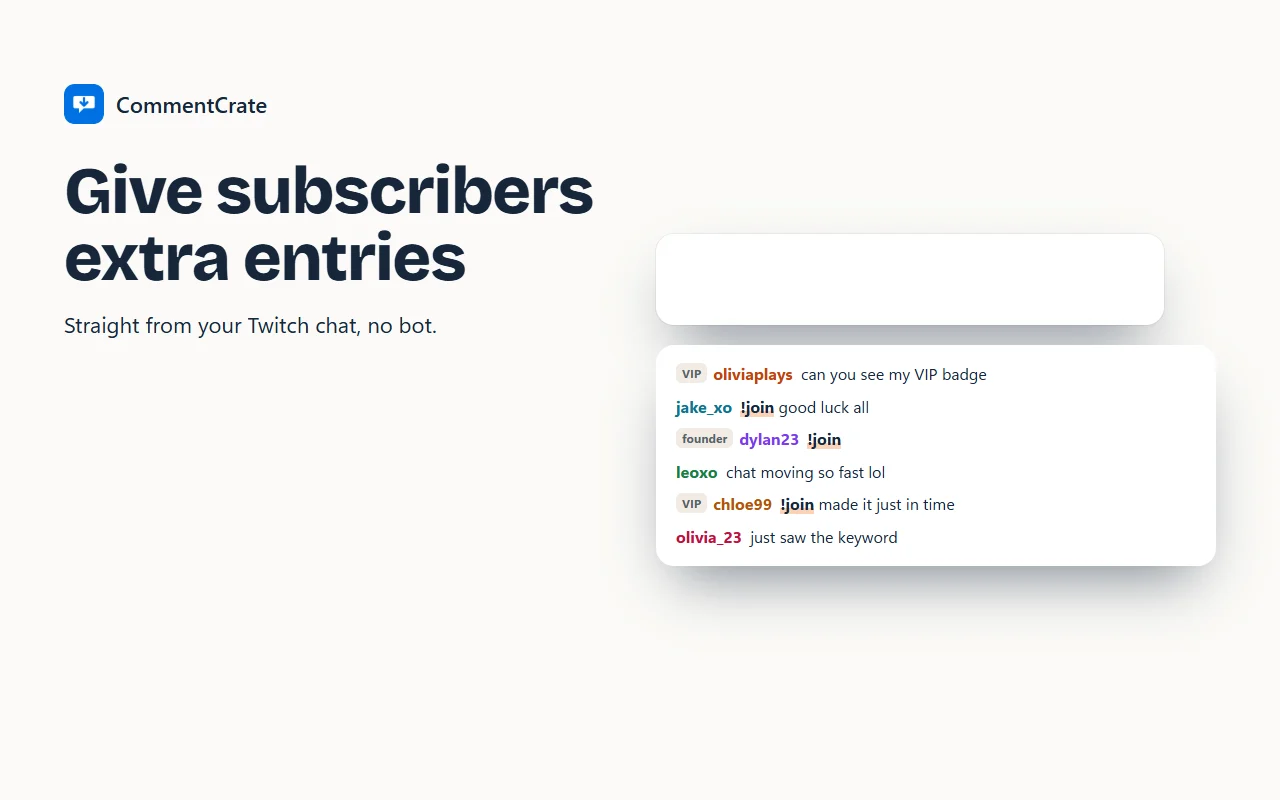
Twitch puts badges on every chat line, and the panel turns the ones it sees into chips with a count: Subscribers, Founders, VIP and so on. A subs-only giveaway is one click under Only people with these badges can enter. If everyone may join but subs should have better odds, choose them under Extra entries for these badges and set one to nine extra entries.
You and your mods are recognised by their badges and left out; if you want mods in, tick “Let the streamer, moderators and bots take part” under More rules. Chat bots don’t always carry a badge on Twitch, so put your bot’s name in the exclude list there too.
Make the winner answer
The classic Twitch rule: the winner has to type in chat before the timer ends. Set Time to answer in the chat before you draw, from 30 seconds to 5 minutes. The panel shows “Waiting for a message in the chat” under the winner and confirms them as soon as they write. If the time runs out, Pass to the backup gives the place to the next name.
With Pro, the stream screen shows all of this on stream through a Window Capture in OBS, and the record lists the rules, the winner, who answered and a check code. CommentCrate never writes in your chat. The same steps work on Kick.